
Staying Safe Online – Why You Might See Human Verification Checks
August 20, 2025
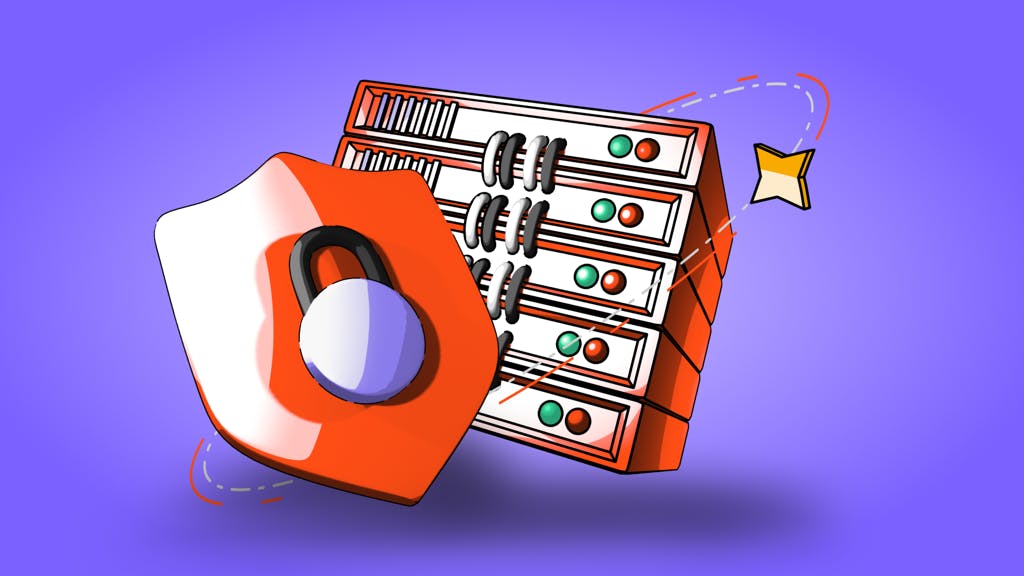
by Coinmetro
August 20, 2025
We’ve heard from some of you about the frequent human verification screens (CAPTCHAs) while accessing our platform — particularly when using certain networks or devices.
These prompts are part of Cloudflare, our key security partner, and are critical in keeping Coinmetro users safe from malicious activity and protecting your assets.
Cloudflare sometimes triggers extra verification when:
- Your IP address has a poor reputation, often due to:
- Shared networks (e.g., some mobile providers or public Wi-Fi).
- Suspicious or automated behavior from your network. - There’s a potential security anomaly linked to your location, browser, or activity.
For example, our team has seen this happen when using ISPs that assign a single IP address to many users — this can unfairly affect you, even if you’ve done nothing wrong. We prevented a huge number of attacks on our users originating from suspicious networks, such as public Wi-Fi.
Our tech team tested and confirmed two effective ways to reduce Cloudflare screens:
🔹 Option 1: Install Cloudflare WARP (Free VPN from Cloudflare)
- Available on both desktop and mobile (iOS & Android).
- Helps restore a clean connection and improves IP reputation.
- Even better: WARP also adds an extra layer of security to all your device traffic — protecting you beyond Coinmetro.
With WARP, your data is encrypted, making it much harder for hackers, snoopers, or malicious Wi-Fi hotspots to:
- Steal your personal or financial information.
- Intercept sensitive data like passwords or crypto logins.
- Track your online activity across apps and websites.
🔹 Option 2: Install Silk – Privacy Pass Client (Desktop only)
- Privacy Pass allows verified users to avoid repeated challenges.
- Works with Chrome and Firefox on desktop browsers.
We tested both on IPs impacted by this and saw significantly fewer interruptions.
✅ Avoid using suspicious networks (e.g., free public Wi-Fi).
✅ Use reputable ISPs and consider static IPs if possible.
✅ Stay clear of browser extensions or tools that may trigger detection.
✅ Keep your browser and OS up to date.
We are committed to keeping your experience smooth and secure. While security may sometimes require small trade-offs, we want to help you navigate them easily.
With solutions like Cloudflare WARP, you’re not only making Coinmetro safer — you’re protecting your entire online life from today’s growing cyber threats.
Related Articles
Announcement: Onboarding, trading, depositing and withdrawals paused
Coinmetro statement Due to an extraordinary situation caused by a failure of one of our financial service providers, Coinmetro OÜ has suspended new…
1m
USDT Trading Pairs Are Moving to USDG — Here’s Everything You Need to Know
Starting 25 June, all USDT trading pairs on Coinmetro will be migrated to USDG. This is a significant step in our MiCA CASP compliance journey, and…
3m
1,750,000 XCM in Prizes. Entry Starts at €10.
Most crypto competitions reward whoever trades the most. This one doesn't work that way. The XCM Amplifier Raffle runs two draws simultaneously, one…
2m
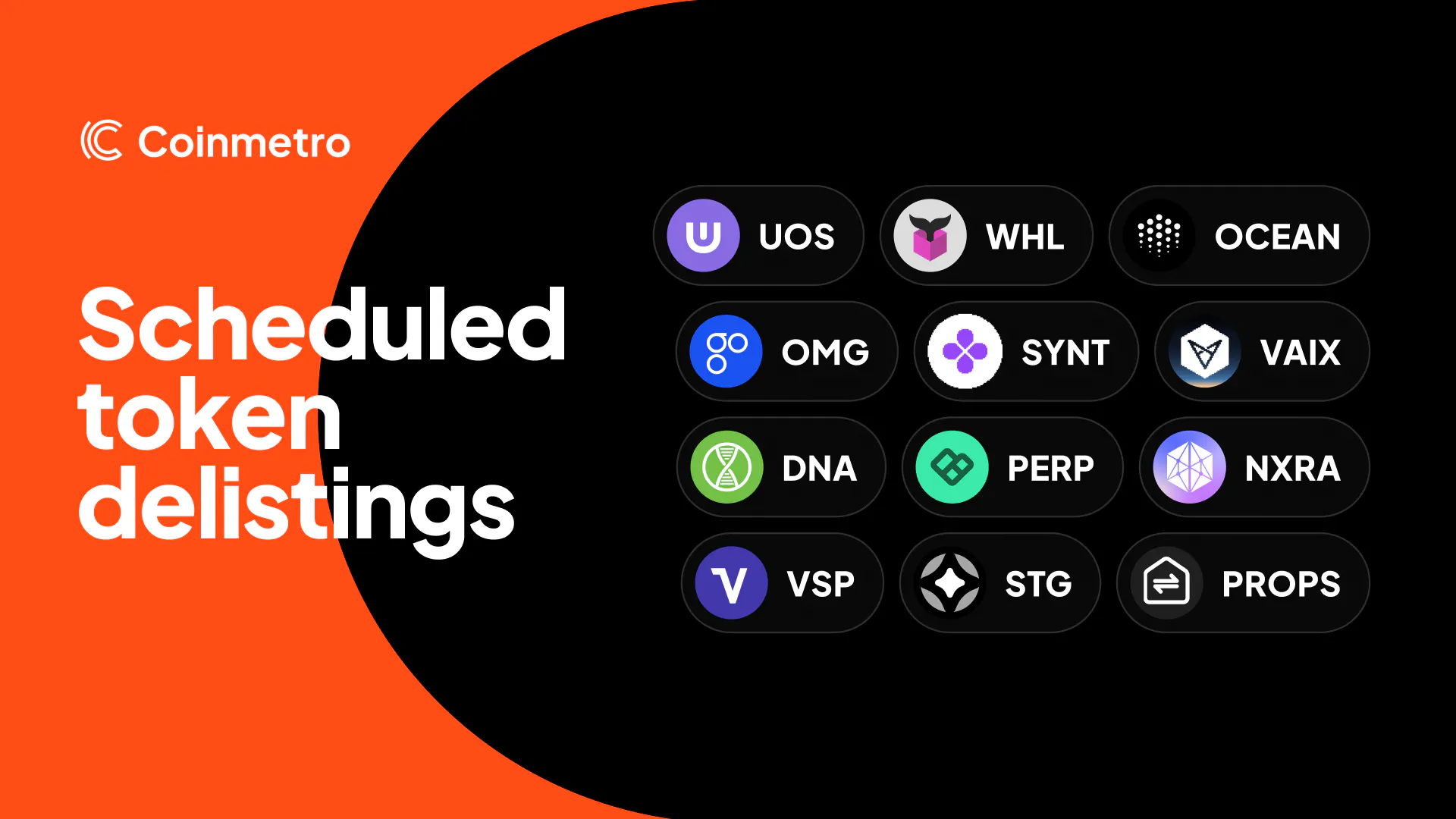
Asset Delisting Update - April 2026
As part of our regular review of liquidity and market activity, we're removing a number of assets from trading over the coming days. These tokens…
1m